Move through Markdown, comfortably.
A lightweight Mac-only viewer that reads Markdown, Mermaid and source code without slowing down.
Download for MacRequires macOS 14 (Sonoma) or later. There is no Windows or Linux version.
For people who write code
Claude designs. I review in befold.
I built befold to review the piles of documents that Claude Code and Codex generate.
Editing was deliberately left out — befold is a tool built purely for reading. It supports Quick Look, too.
For people who read Markdown
You don't have to be technical to read it.
Just open the file. Nothing to learn, nothing to configure beforehand.
It renders with the same look as GitHub, and Mermaid code blocks are drawn as diagrams.
When an LLM updates the file, the view catches up in 0.2 seconds.
For people who need it to stay private
What you open stays on your Mac.
Everything is rendered locally. No document contents, file names or paths are ever sent anywhere.
The reverse is blocked too: remote images, tracking pixels and external scripts embedded in a file are stopped at the network layer and never fetched.
The only request befold makes is the update check.
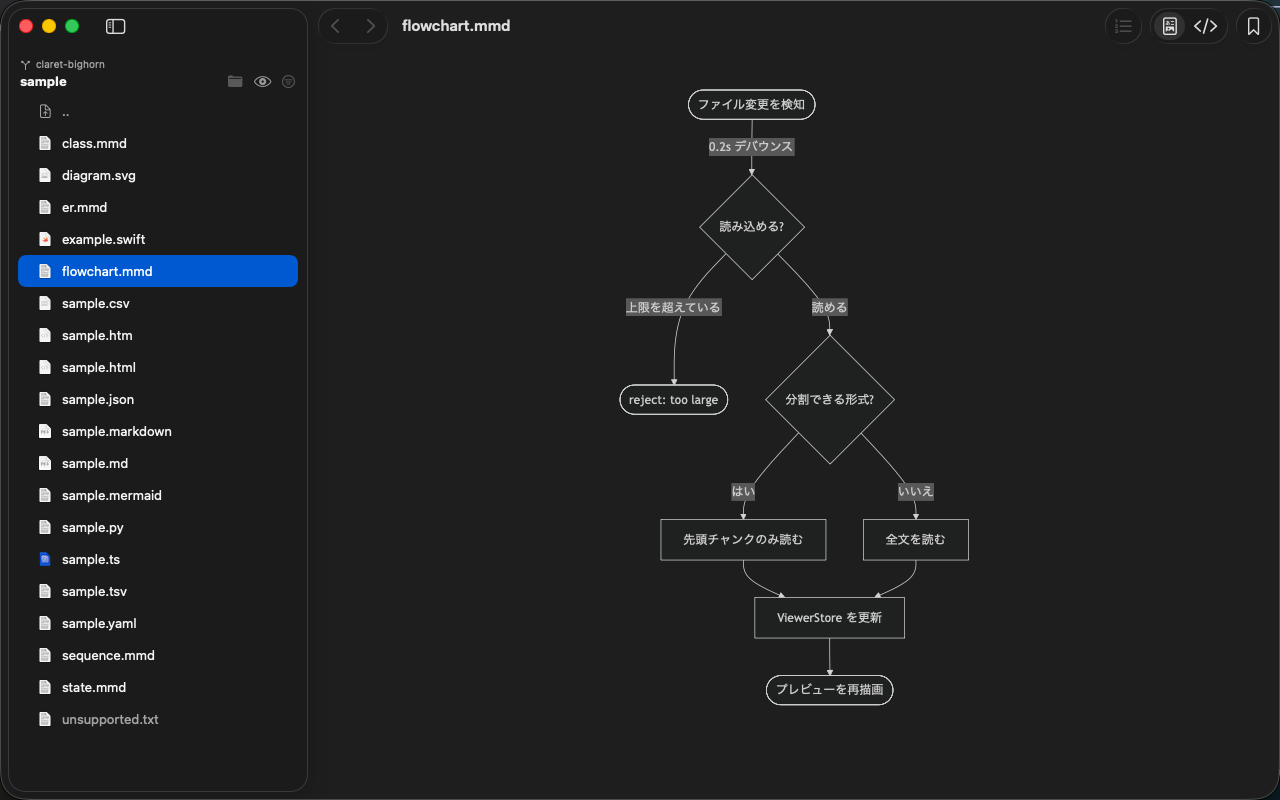
Mermaid
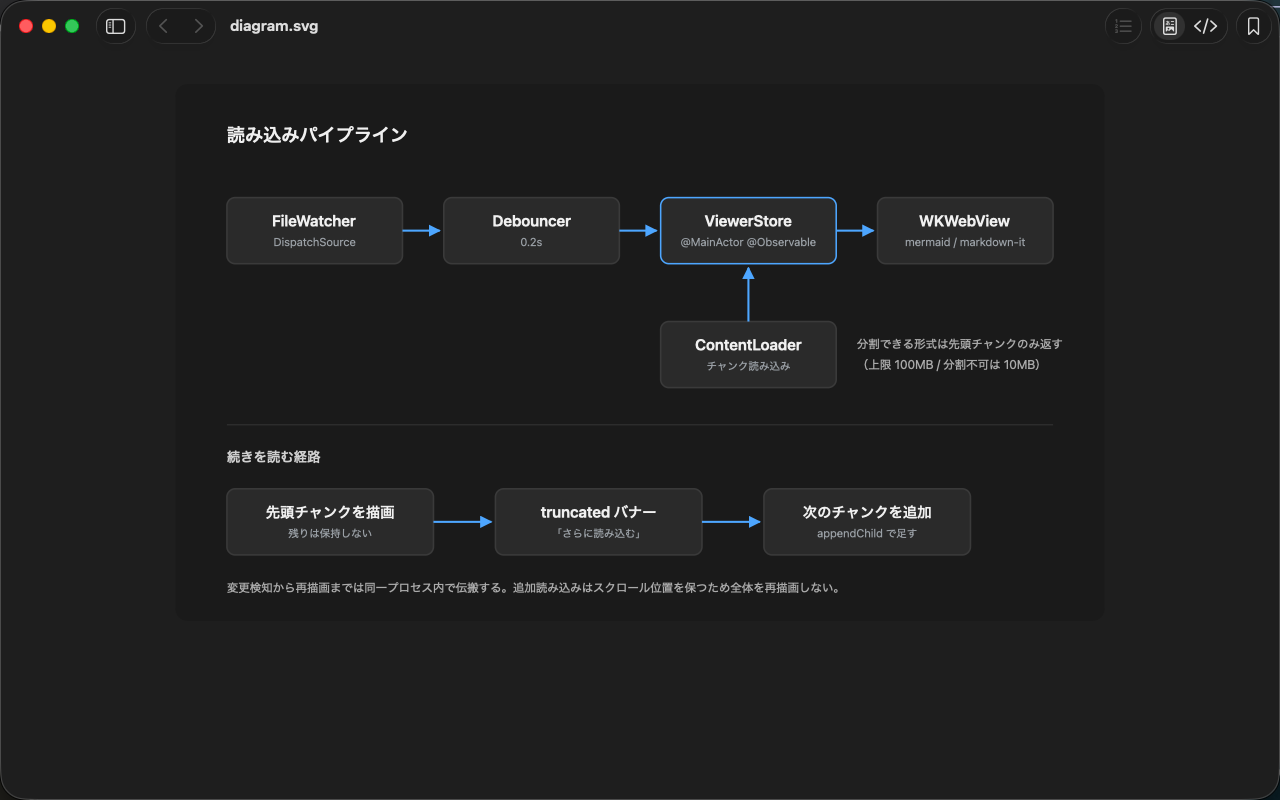
SVG
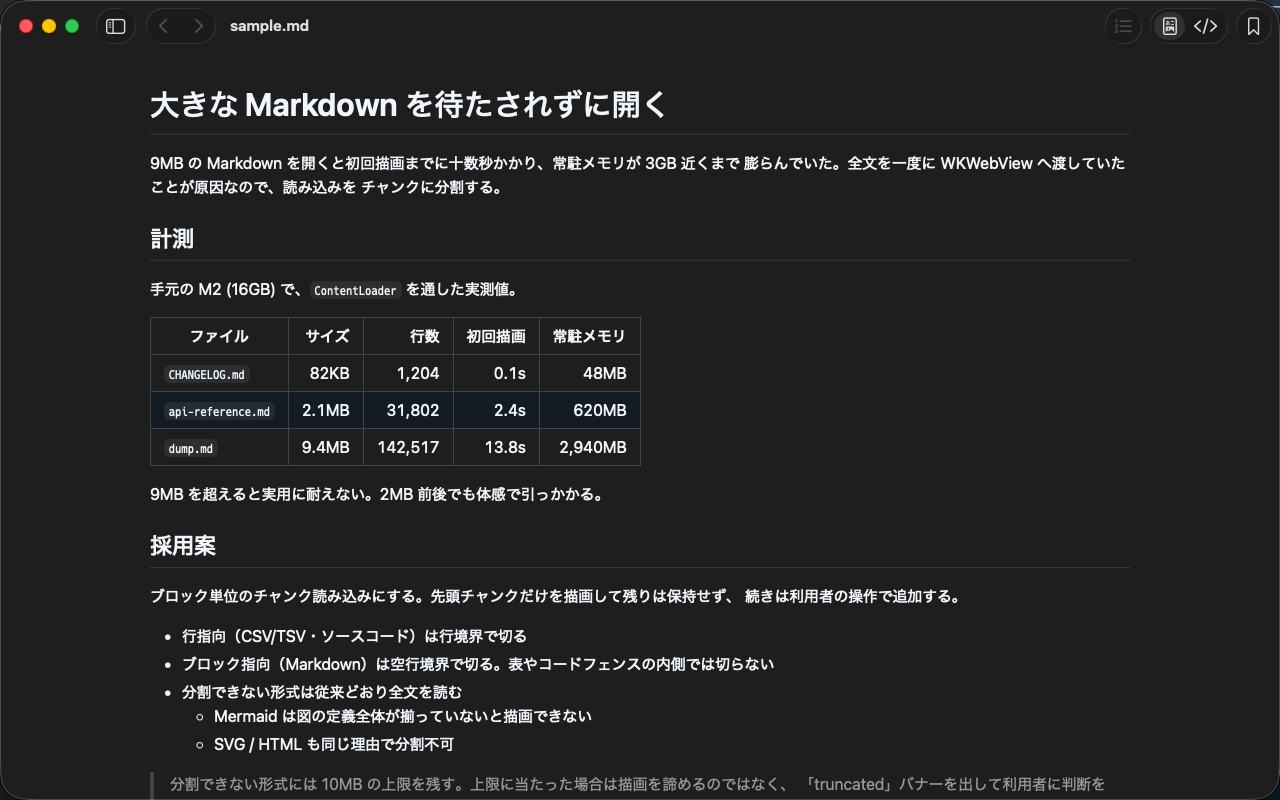
Markdown
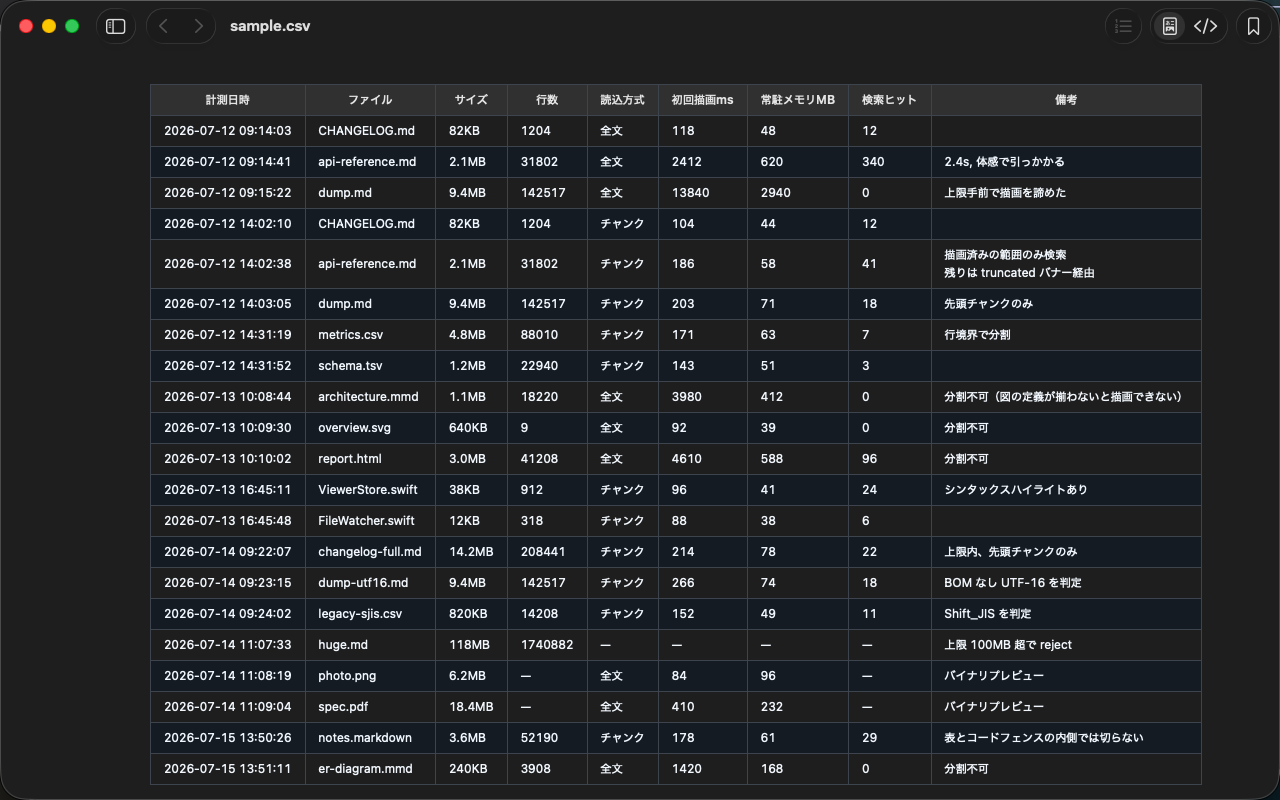
CSV
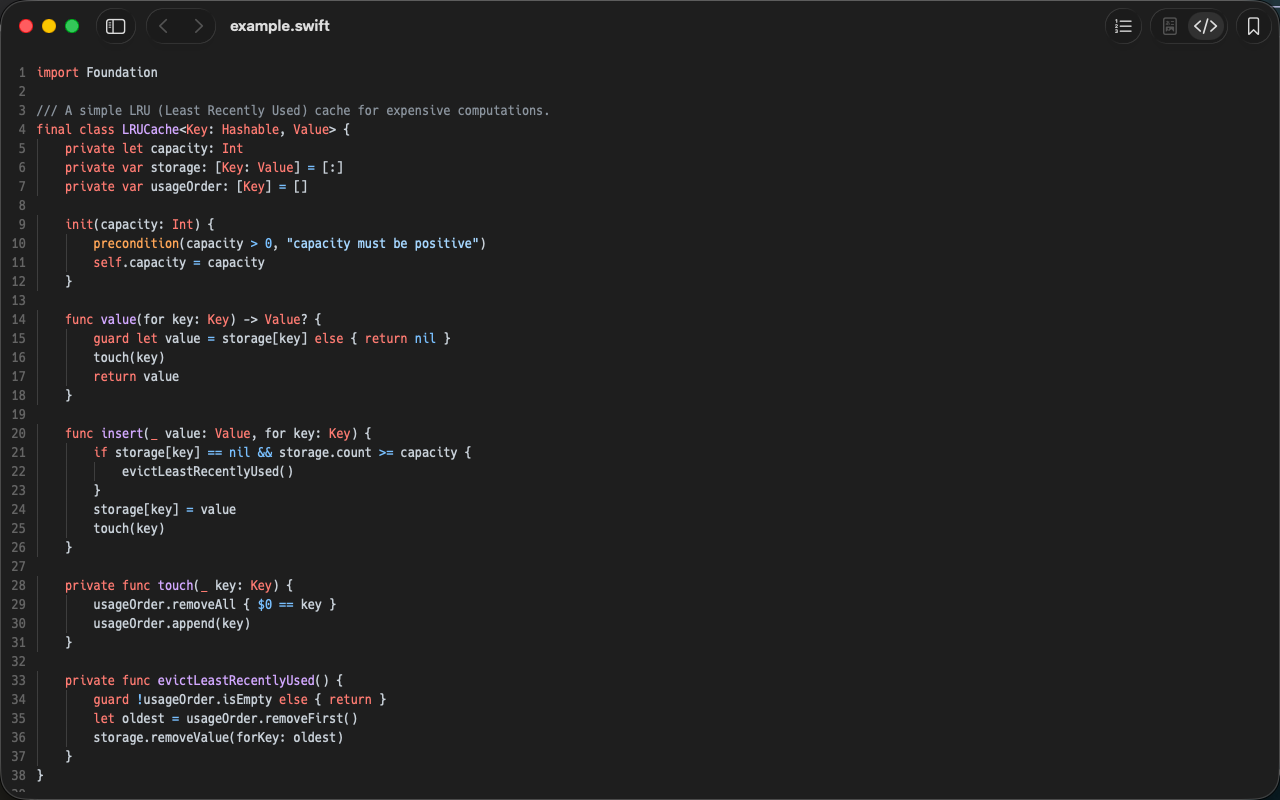
Source Code
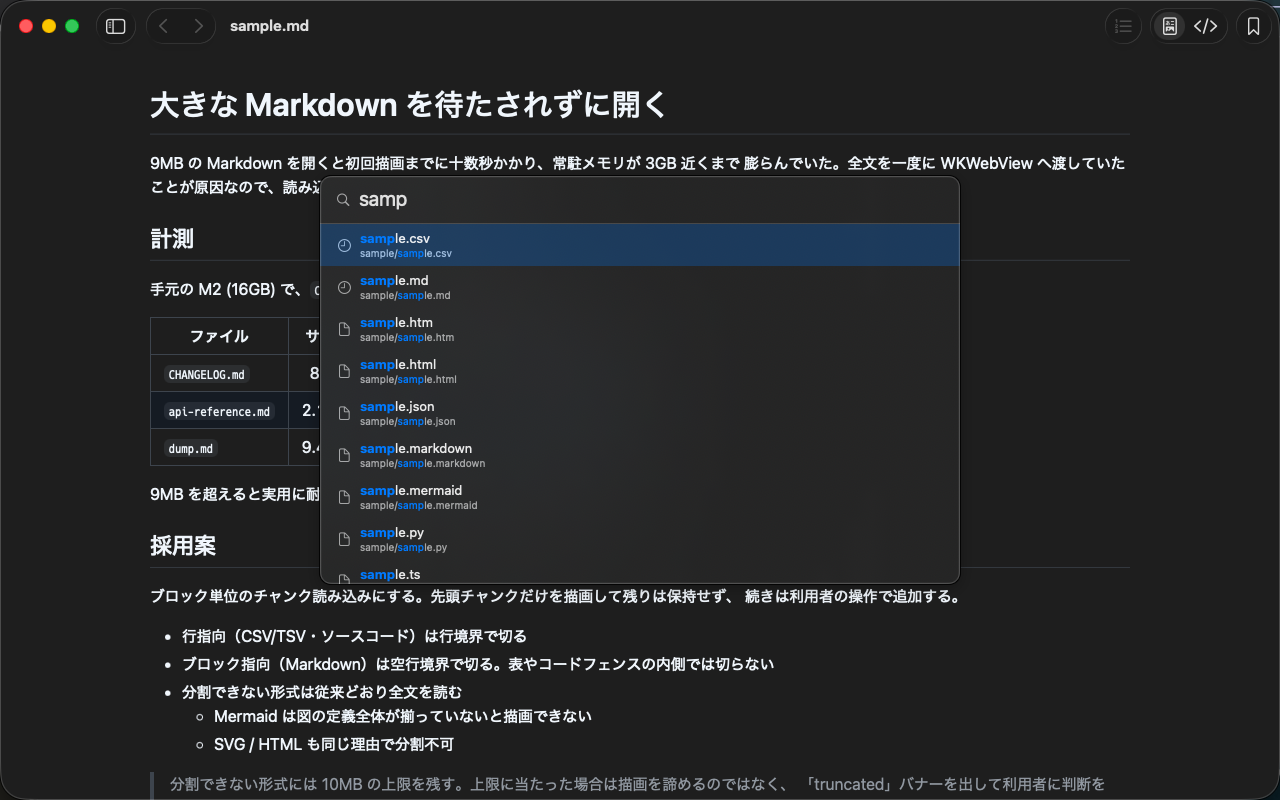
Quick Open
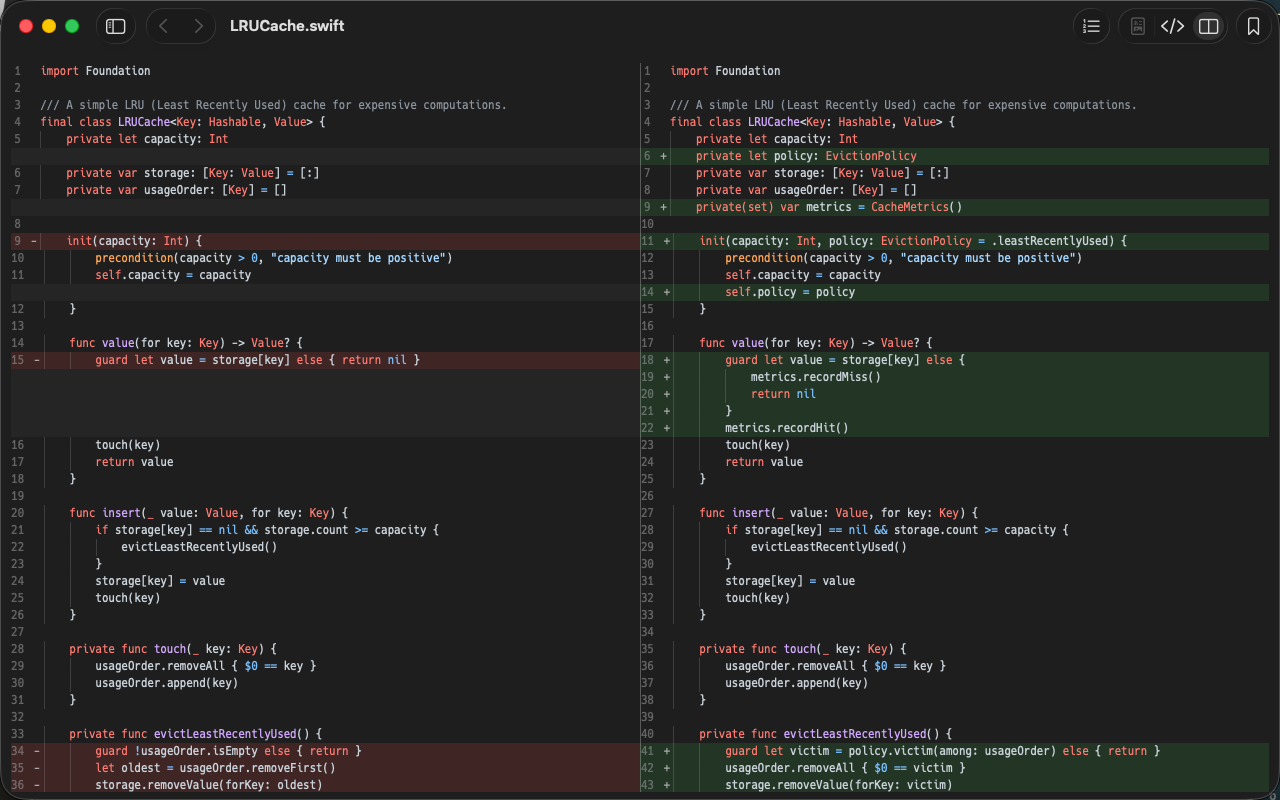
Git Diff
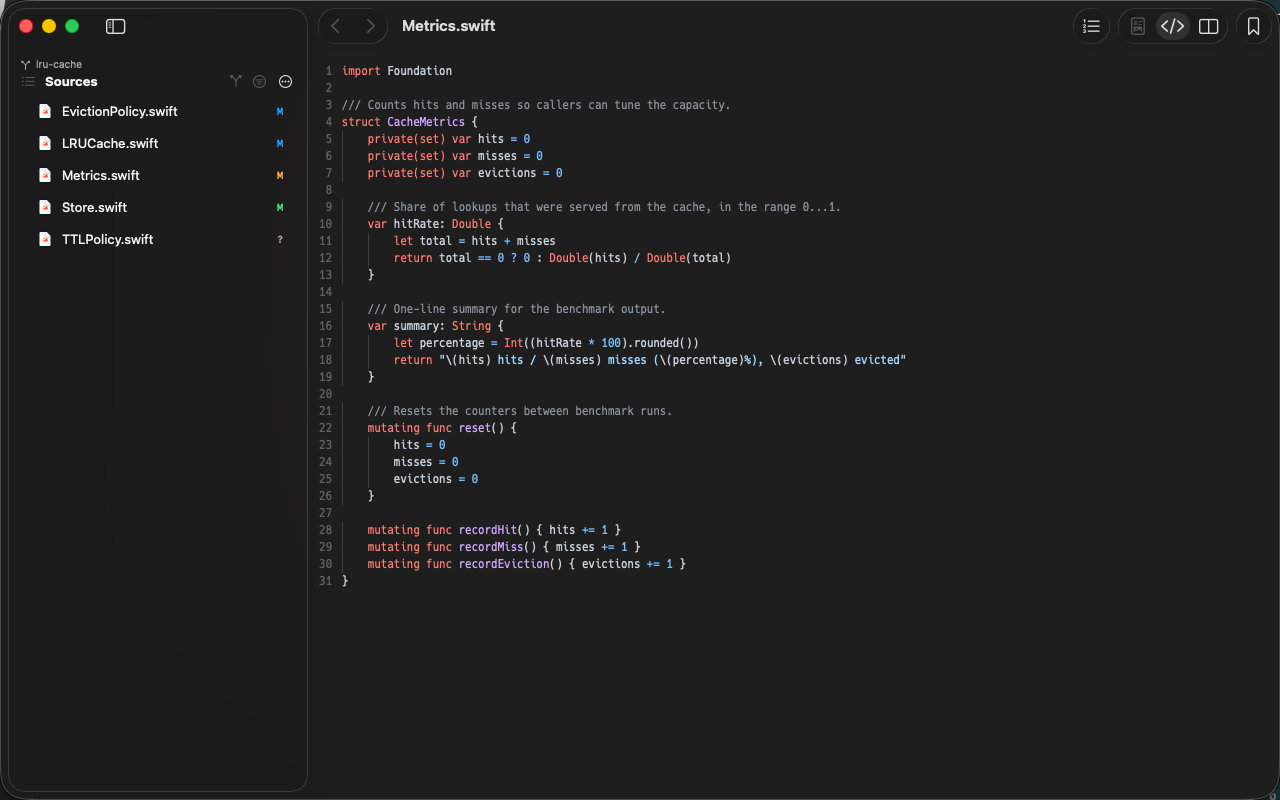
Git Status
Features
Quick Open (⌘P)
Fuzzy-search filenames to jump straight to a file. An empty query lists recents and bookmarks, and ./ or ../ path input works too
Sidebar & Swipe
Open the sidebar with ⌘S to walk folders and filter by name. Move between files you have read with ⌘[ / ⌘] or a two-finger trackpad swipe
Open from the CLI
befold path/... opens several files at once. Display flags like --sidebar, --source and --line-numbers, plus --check to verify a file opens and --bookmark
Live Reload
Every change from an external editor or an AI lands in the preview instantly — including files recreated on save, renames and moves
Git Diff View
Read what your branch changes — committed work included — as a source diff. Switch rendered / source / diff with ⌘1 / ⌘2 / ⌘3, flip the diff layout between stacked and side by side with ⌘\. The view mode is remembered per file
A Sidebar That Knows Your Changes
Changed files carry a one-letter colored badge, and folders roll up the changes beneath them. Staged, unstaged, untracked and committed-on-branch are told apart, and ⌃⌘G narrows the list to changed files only
Large Files, Too
Markdown, CSV/TSV and source code load in chunks, so files up to 100MB open without a wait. Pull in the rest with “Load More”
QuickLook Support
Ships a QuickLook extension. Select a file in Finder and hit space to see Mermaid or Markdown rendered — no need to open the app
- Safe to Open (Local Only) — Nothing about the document leaves your Mac. The only request befold makes is the update check, and remote images or scripts embedded in a file are blocked at the network layer
- Git-Aware Link Resolution — Only paths that really exist become links. When a relative path misses, befold finds the file among git-tracked ones — and keeps up when you switch worktrees or branches
- Recent Repositories — Reopen a recently used repository from the File menu, tabs and all. Worktrees are grouped under their main repository
- Wide Format Support — Renders .mmd, .md, .svg, .html, .csv, .tsv — plus displays .png, .jpg, .gif, .webp, .pdf, and source code in 50+ languages. Detects UTF-8/16/32, Shift_JIS and EUC-JP automatically
- Rendered / Source Toggle — Switch between rendered and source view with ⌘U. Source view has syntax highlighting and line numbers via ⌘L. Find (⌘F) supports regex, case and whole-word matching
- Tabs & Session Restore — Native macOS tabs. Your previous tab layout is restored on next launch, and zoom, view mode and scroll position are remembered per file
- Zoom & Dark Mode — Zoom with ⌘+/⌘-/⌘0. Follows macOS dark mode automatically, and the source-view font is configurable in Settings
- In-App Updates — Notifies when a new version is available. One-click update
Requirements
macOS 14 (Sonoma) or later
Installation
- Download the latest version
- Open the DMG and copy
befold.appto/Applicationsto launch